

A laptop makes it easy to work almost anywhere. The challenge is that its screen and keyboard move together: raising the screen can leave your hands reaching upward, while lowering the keyboard can leave you looking down. A few thoughtful adjustments can make a long work session more comfortable.
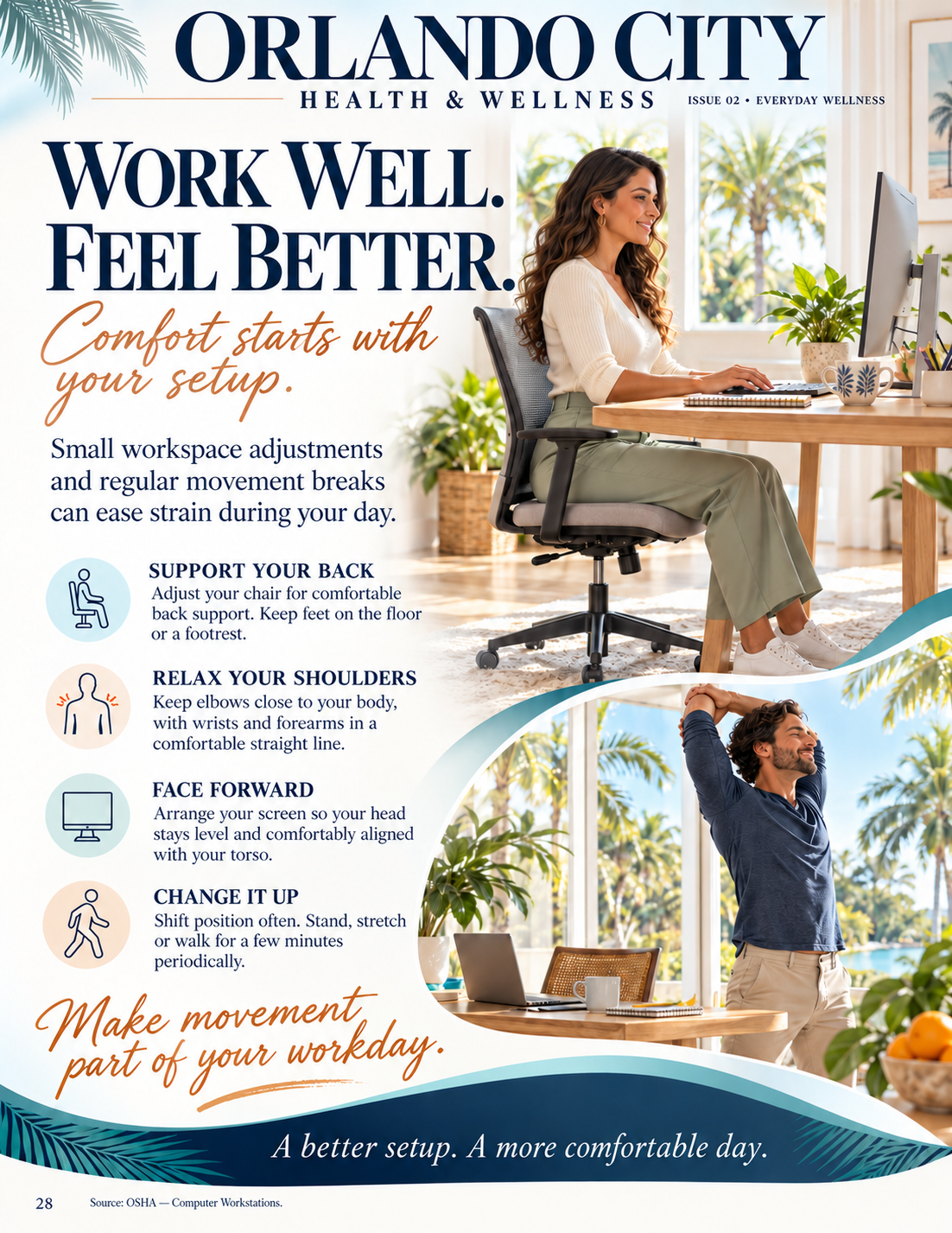
Our magazine's “Work Well. Feel Better.” feature, in Issue 02, page 28, connects everyday comfort with a supportive setup and opportunities to move. Here is a practical way to apply that idea to a laptop workday, starting with the equipment you already have.
1. Make room for the work you actually do
Before adjusting anything, open a typical task. Are you typing a report, reading a document, joining calls or switching between screens? Clear enough space for the items you use most. Move a notebook or mug if it forces your mouse farther away. Leave room underneath the work surface for your legs to change position.
The aim is to bring the task within easy reach. OSHA's workstation purchasing guide recommends space for frequently used equipment directly in front of the user and sufficient clearance under the desk. You can use those principles to assess an existing setup before considering a purchase.
2. Settle into the chair before positioning the screen
Use the backrest and check whether your feet rest comfortably on the floor. If the chair needs to be higher to reach the work surface, a suitable footrest may help provide support. Adjust armrests if they make you shrug or stop you from getting close enough to the desk.
Try the setup while actually typing, rather than judging it from a photograph. OSHA's chair guidance emphasizes fit and adjustability, including support for the back and feet. Comfort does not require holding yourself stiffly in one pose.
3. Let the screen and keyboard do different jobs
For longer typing sessions, a separate keyboard and mouse can let you position the laptop screen independently. OSHA specifically recommends external input devices for laptops in its equipment guidance. If you already have them, place the keyboard within comfortable reach and keep the mouse nearby.
Then position the screen directly in front of you. OSHA suggests that the top of the screen be at or below eye level, with text readable while your back remains supported. Increase the text size if you find yourself leaning in to read. Reduce reflections by adjusting the screen's position relative to windows. People who wear bifocals may need a lower screen position. See OSHA's monitor guidance for these considerations.
Raising the entire laptop while continuing to type on its built-in keyboard can create a new reach problem. Check your hands and shoulders again whenever you change screen height.
4. Give movement a place in the schedule
A comfortable desk is still only one part of the day. OSHA recommends changing position frequently and periodically getting up or walking, even when the starting posture is good. Its working-position guidance includes several supported sitting and standing options.
Choose a cue that fits your work: finishing a call, sending a document or returning from lunch. Use it to change position or take a brief comfortable movement break when practical. Adapt this to your mobility and any instructions from your care team. Buying a standing desk is not a prerequisite for introducing variety.
5. Notice what makes your work easier
Try one manageable adjustment and note what changes: less reaching, easier reading or a more comfortable task. If symptoms persist, worsen or limit your activities, arrange an assessment rather than repeatedly buying equipment.
OCHW offers physical therapy, including body mechanics and ergonomic education. To discuss a work-related movement concern, contact our Orlando or Winter Park team about a physical therapy evaluation.
Magazine inspiration: Orlando City Health & Wellness, Issue 02, “Work Well. Feel Better.,” printed page 28. General education, not an individualized treatment plan or workplace safety certification.